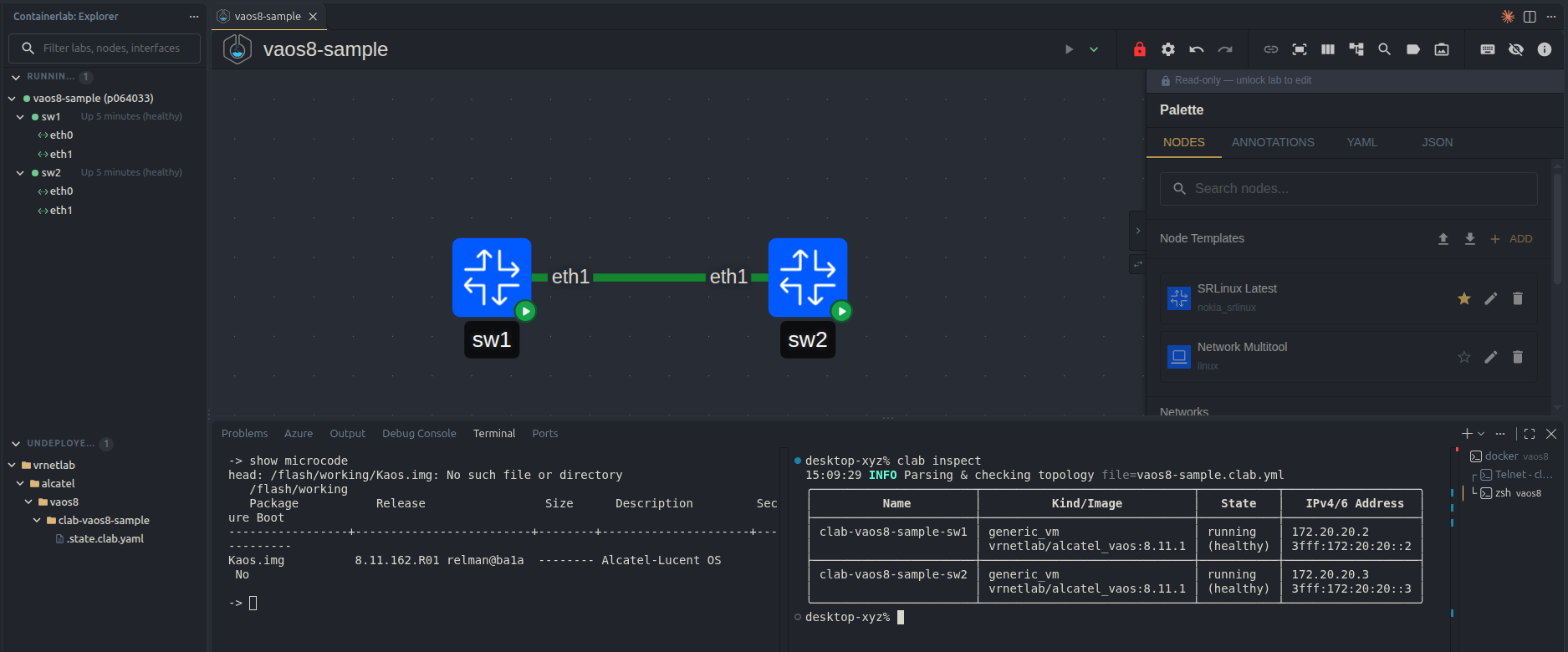
Hi all, Thanks for your interest!
The Virtual AOS8 will be made available on our partner portal in the coming hours!
Great!! It is up and running. cmm login: admin
Password:
Welcome to the Alcatel-Lucent Enterprise OS687024-SIM 8.11.162.R01 GA, August 19, 2026.
Copyright (c) 1994-2014 Alcatel-Lucent. All Rights Reserved.
Copyright (c) ALE USA Inc., 2014-2026. All Rights Reserved.
OmniSwitch™ is a trademark of Alcatel-Lucent,
registered in the United States Patent and Trademark Office.
->
→
→ show microcode
head: /flash/working/Kaos.img: No such file or directory
/flash/working
Package Release Size Description Secure Boot
-----------------±------------------------±-------±--------------------±-----------
Kaos.img 8.11.162.R01 relman@ba1a -------- Alcatel-Lucent OS No
Hi Marcus,
I’m having trouble logging into the switch. I tried the default for AOS8 (admin/s…h) and I also tried admin/-blank- and admin/admin and nothing seems to get me in.
Did I miss a page I need to read? Can you guys point me in the right direction?
Hi Cristek,
Thanks for your hardwork!
I did not find any information and then I have to contact my internal “pointers”.
Since the password apparently has not been disclosed I suggest you contact your Alcatel-Lucent Enterprise representative.
Does that seems to fit you?
Sorry for that
Best Regards
Marcos/Japan
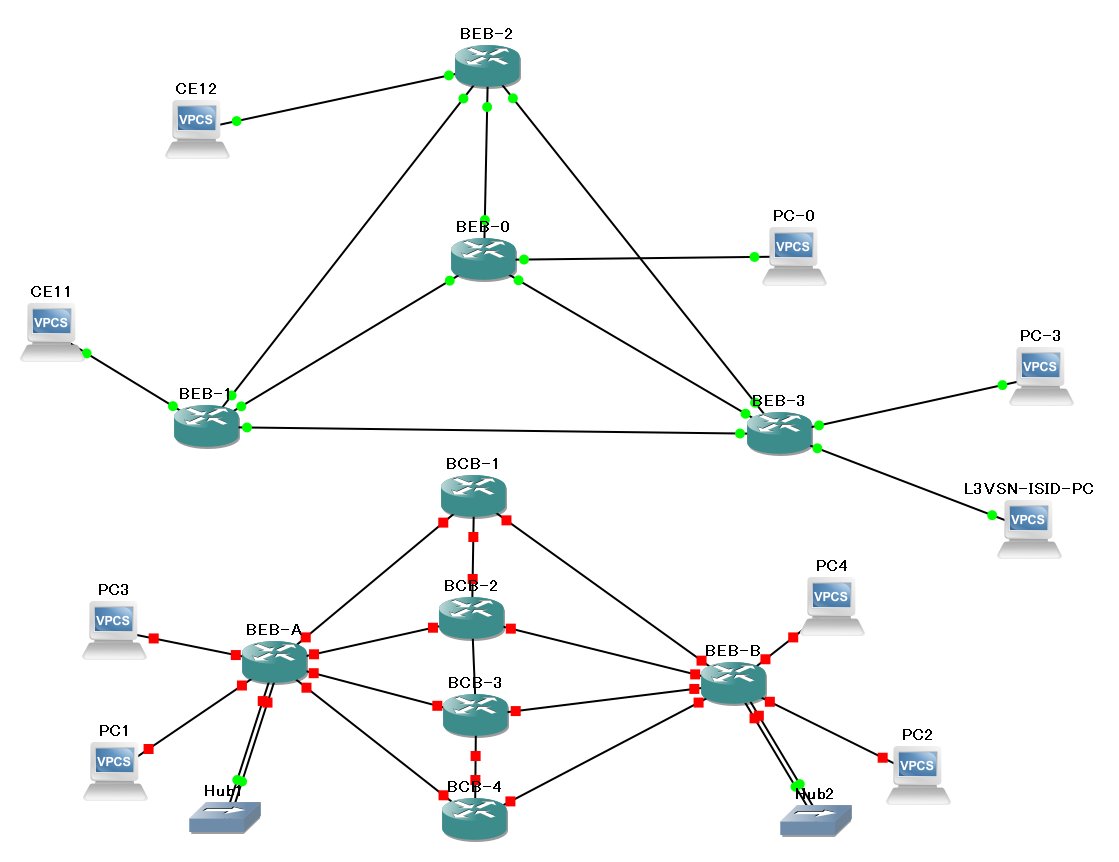
Yeah, It’s gonna take a while for me to get it then.
I’ll raise a SR so.
A bit disappointing on ALE’s part really…
Many thanks Marcos! 
Hi @Cristek i just added the FAQ document to my post in this forum, i hope this can help.
Thanks,
Hi SoCh, thanks for your followup. The FAQ document does not mention anything about admin’s default password. How should Cristek and others get that information?
Hi,
I raised an SR in the Portal and I got the login details from there.
But it was annoying that a Partner (which has access to the portal anyway) had to go through all these steps I do have it working now.
I’ll use it for my next internal training session and report back any issues, but from a basic 3 switch topology, no issues found!
Hi Cristek, Sorry for this inconvenience. The non-default password is well-known internally for the vAOS8 and I think this was missed. We will correct this in the next version to behave same as switch.
TRUE
.
#########################
cmm login:
cmm login: root
AOS8x #
AOS8x # /bin/jail
→
→
→ user dubby password “johs”
Tue Oct 20 22:14:44 : AAA Switch-Access INFO message:
+++ User dubby created by linux.
→
→
→ user dubby read-write all
→
→ exit
logout
AOS8x #
AOS8x # exit
cmm login:
cmm login: dubby
Password:
Welcome to the Alcatel-Lucent Enterprise OS687024-SIM 8.11.162.R01 GA, August 19, 2026.
Copyright (c) 1994-2014 Alcatel-Lucent. All Rights Reserved.
Copyright (c) ALE USA Inc., 2014-2026. All Rights Reserved.
OmniSwitch™ is a trademark of Alcatel-Lucent,
registered in the United States Patent and Trademark Office.
->
→ who
Session number = 0
User name = dubby,
Access type = console,
Access port = Local,
Read-only domains = None,
Read-only families = ,
Read-Write domains = All ,
Read-Write families = ,
->
##########################
seems … maybe … the template file is worth a revision … it’s probably working in environments where “e1000” is the ‘default’ virtual adapter …
.
    "custom_adapters": [
        {
             "adapter_number": 2,
             "port_name": "EMP"
        },
        {
             "adapter_number": 0,
             "port_name": "1/1/1"
        },
        {
             "adapter_number": 1,
             "port_name": "1/1/2"
        },
        {
             "adapter_number": 3,
             "port_name": "1/1/3"
        },
.
… but “custom_adapters” is for distinguishing adapter-types !? … so it should maybe …
.
    "custom_adapters": [
        {
             "adapter_number": 2,
             "adapter_type": "e1000",
             "port_name": "EMP"
        },
        {
             "adapter_number": 0,
             "adapter_type": "e1000",
             "port_name": "1/1/1"
        },
        {
             "adapter_number": 1,
             "adapter_type": "e1000",
             "port_name": "1/1/2"
        },
        {
             "adapter_number": 3,
             "adapter_type": "e1000",
             "port_name": "1/1/3"
        },
.
… at least it worked for me in KVM-GNS3-v2.61* …
but any tinkering is spared, when KVM-GNS3-v3.1x is installed … where the re-mapping for the template is easily done in the GUI
.
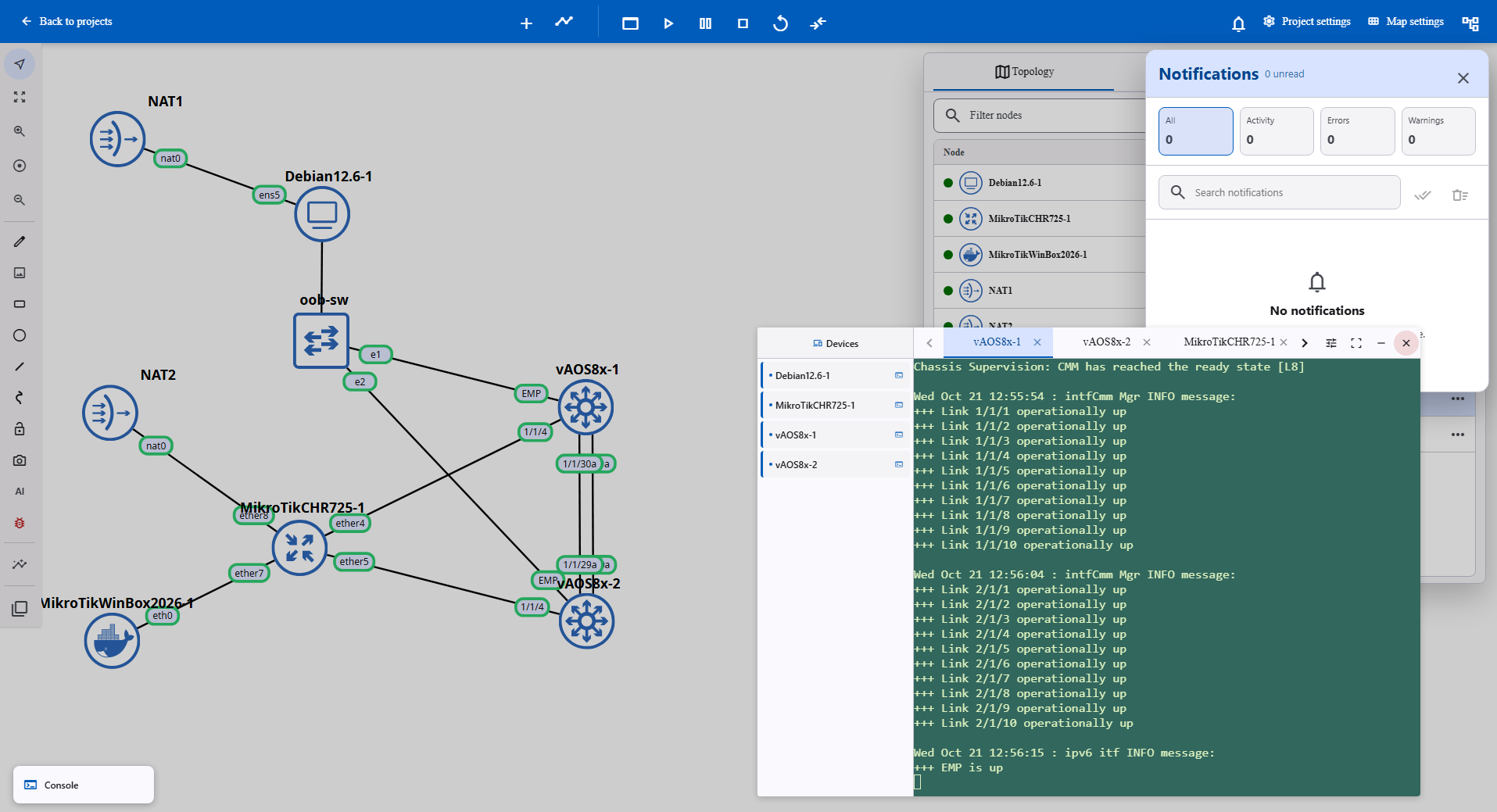
.
*) I have not altered the original-template file … the edition was done in the project-file … and worked also when I cloned the “object-vm” ( this … for my legal exoneration : )
… strongly agree … ! … + … the auto-fabric feature for the SPB-part …
.
excellentissimo !
.
omt : ++ VirtualChassis … for the edge ( of the world : )